
Table of Contents
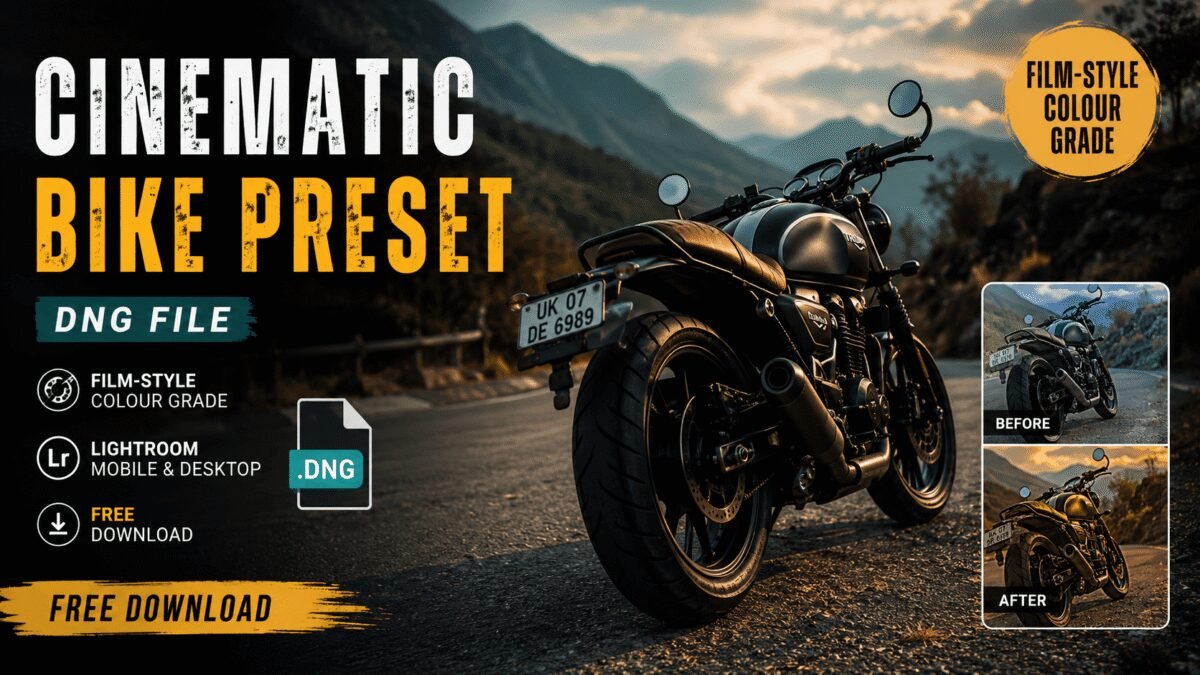
Want your motorcycle photos to look like frames from a film? A cinematic bike preset DNG does exactly that — it applies a professional-style colour grade in one tap inside Lightroom Mobile. This is the same grade behind the viral Haryana DC bike trend, and you can download it free below.
[⬇ Download the Cinematic Bike DNG]
What Makes a Bike Photo Look “Cinematic”?
Cinematic isn’t a filter — it’s a set of deliberate colour decisions films use:
- Controlled contrast with deep, non-crushed shadows
- Colour separation — cool backgrounds, warm-neutral subject
- A dominant tone (here, cinematic green) that unifies the frame
- Reduced highlight glare so nothing screams “phone camera”
This DNG bakes all of that in. You import it, save it as a preset, and every bike photo you apply it to inherits the film-style grade.
The DNG Advantage
A DNG file carries full editing metadata, so unlike a screenshot filter, it transfers the exact professional settings to your Lightroom — losslessly. That’s why serious editors share looks as DNG or XMP rather than as filtered JPEGs.
Best Photos for This Grade
Shots with greenery (tree-lined roads, fields, hills) and soft light (golden hour, overcast) grade best — the cinematic green needs green in the frame to work with. Harsh noon sun and grey concrete give it less to shape.
Get the Full Pack
This is one grade from a larger set. The complete collection — classic and dark variants, XMP for desktop, a video LUT, and the full settings breakdown — is on the main guide:
[Haryana DC Bike Preset — Full Pack].
FAQs
What is a DNG preset?
A photo file that carries editing settings Lightroom can save and reapply.
Is it really free?
Yes, no sign-up.
Works on video?
Use the matching .cube LUT from the full pack for Reels.