Real Photo + Matching Cartoon Character with White Glow: Viral AI Editing Trend
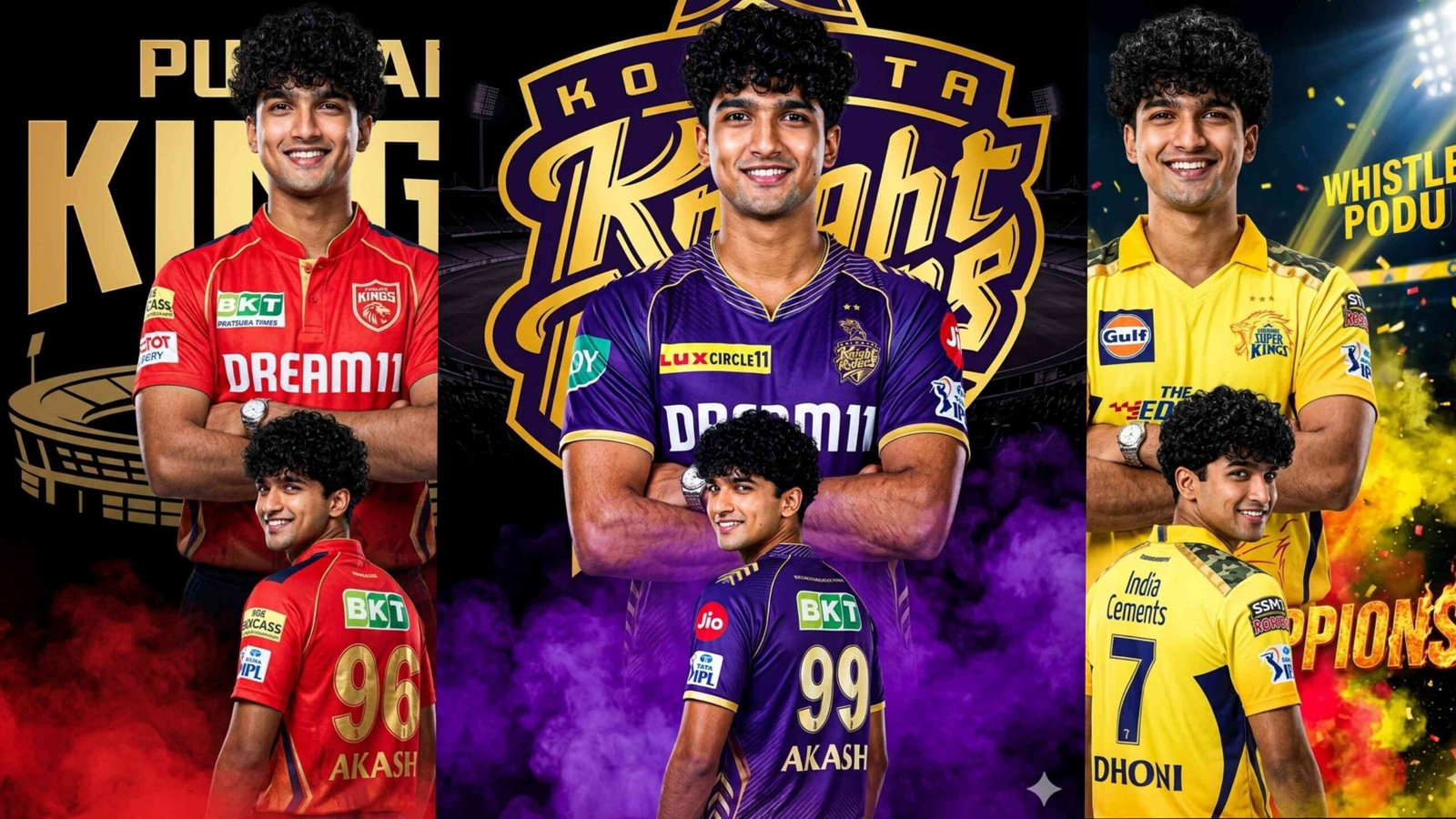
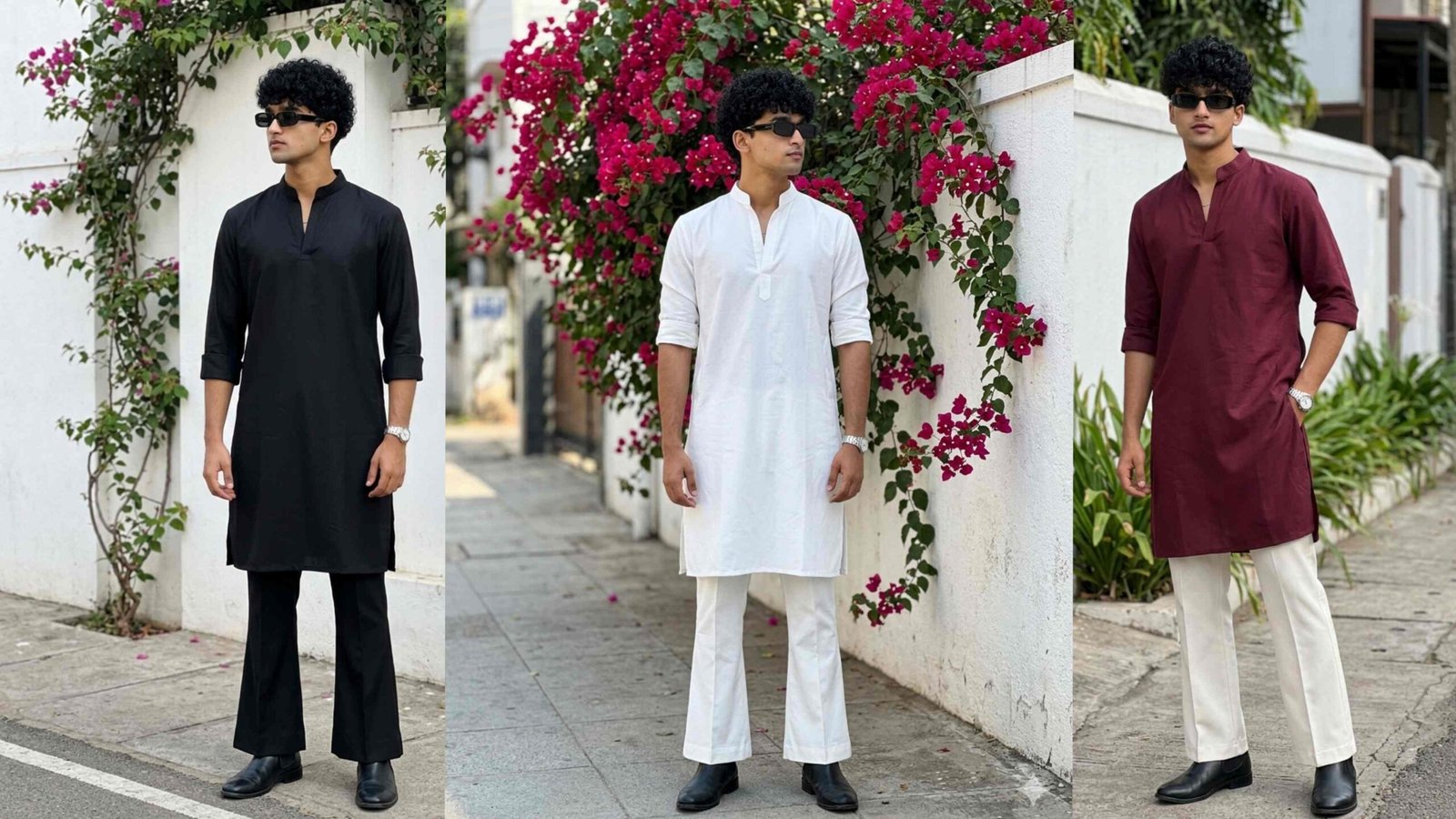
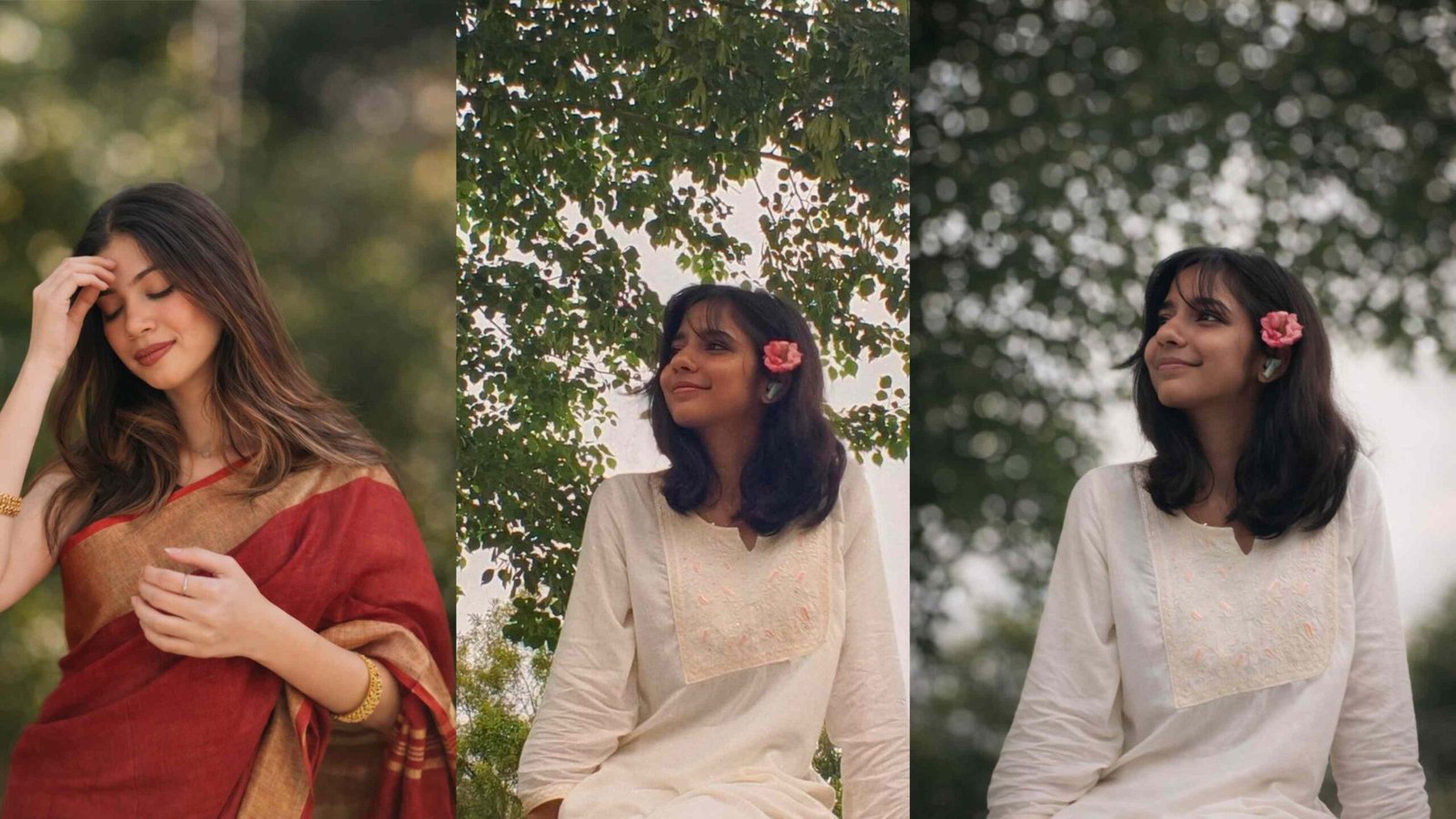
In recent months, a new AI photo editing trend has gone viral on Instagram and other social media platforms. This trend combines a real photograph with a matching cartoon or illustrated duplicate of the same person, highlighted with a clean pure white glowing outline. The result looks modern, professional, and extremely eye-catching.
Creators are using this style for Instagram profile pictures, reels thumbnails, and personal branding. The best part is that this effect can be created easily using Google Gemini AI, without any advanced Photoshop skills.
What Is This AI Photo Editing Trend?
This trend features two versions of the same person in one image:
- Main Character (Real Photo): The original image remains completely realistic, with natural lighting and no cartoon effect.
- Cartoon Duplicate: A smaller, semi-realistic illustrated version of the same person, placed slightly in front.
The cartoon duplicate is outlined with a smooth white glowing border, which separates it from the background and gives the image a premium look.
Why Is This Trend Going Viral?
There are several reasons why this AI style is trending so fast:
- Unique Visual Appeal: The real + cartoon combination instantly grabs attention.
- Professional Look: The white glowing outline makes the image look clean and modern.
- Instagram-Friendly: Perfect for reels covers, thumbnails, and profile photos.
- No Editing Skills Required: AI does all the hard work.
- Trending AI Aesthetic: Still new, so it helps creators stand out.
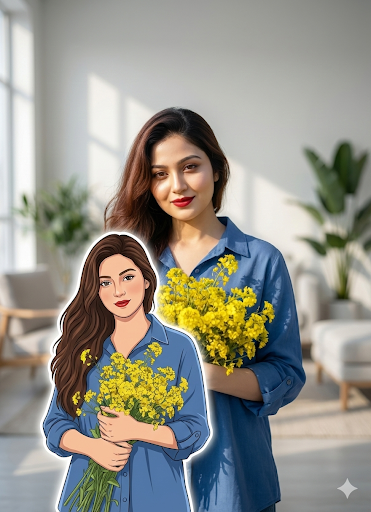
IMPORTANT:Keep the MAIN person as a REAL PHOTO. Do NOT illustrate or stylize the main subject.STRICT IDENTITY LOCK:The real person and the illustrated duplicate must be the SAME PERSON with identical face, hairstyle, expression, outfit, and pose.Add ONE semi-realistic illustrated duplicate of the same person.SIZE & POSITION:The cartoon duplicate should be about 40–45% of the height of the real person.Place the cartoon slightly in front and near the lower side of the frame, but clearly visible and not too small.Cartoon style:Semi-realistic, traced illustration from the real photo.No anime, no chibi, no exaggeration.Outline:Add a smooth PURE WHITE glowing outline around the cartoon only.Medium thickness, soft glow.No shadow, no colored glow.Do NOT change background, outfit, lighting, or pose of the real person.Ultra-HD, DSLR photo look for the main person.Common Problems People Face in Gemini AI
Many users struggle to get the correct result when trying this effect in Gemini AI. Some common issues include:
- The cartoon character does not match the real person
- The background becomes illustrated
- The main photo turns into a cartoon
- The cartoon duplicate becomes too small
All these problems happen due to unclear or incomplete prompts. Gemini AI works best when instructions are very specific.
Important Rules for a Perfect Result
1. Keep the Main Photo Real
Always clearly mention that the main subject must remain a real photograph. Never apply illustration or cartoon style to the main person.
2. Apply Cartoon Style Only to the Duplicate
Use words like “illustrated” or “cartoon” only for the smaller duplicate character. This prevents the entire image from becoming stylized.
3. Lock the Identity
The real person and the cartoon duplicate must look exactly the same: same face shape, eyes, nose, lips, hairstyle, expression, and pose. This is known as identity lock.
4. Define the Cartoon Size
For best balance, the cartoon character should be about 40–45% of the height of the real person. Without size instructions, Gemini may make it too small.
5. Specify the White Glow Clearly
Always mention:
- Pure white glowing outline
- Soft glow
- No shadow
- No colored glow
Who Should Use This AI Style?
This trend is ideal for:
- Instagram creators and influencers
- Personal branding
- Profile pictures and display photos
- Reels and YouTube thumbnails
- Bloggers and digital marketers
If you want your content to look different and professional, this AI photo style is worth trying.
Conclusion
The real photo + matching cartoon character with white glowing outline is one of the most stylish AI photo editing trends right now. When done correctly, it creates a premium, viral-ready image that stands out on social media.
The key points to remember are simple:
- Main photo must stay real
- Cartoon must match the same person
- Cartoon size should be medium, not too small
- Outline must be pure white and clean
By following these rules and using clear prompts in Gemini AI, anyone can create a professional and trending AI photo without advanced editing skills.